If you see the ‘OK’ on the watch app screen being replaced by ERR -xxx (Where xxx might be -300, -102 etc.), this might be a sign that the Android system is putting the OpenSeizureDetector app to sleep to save power.
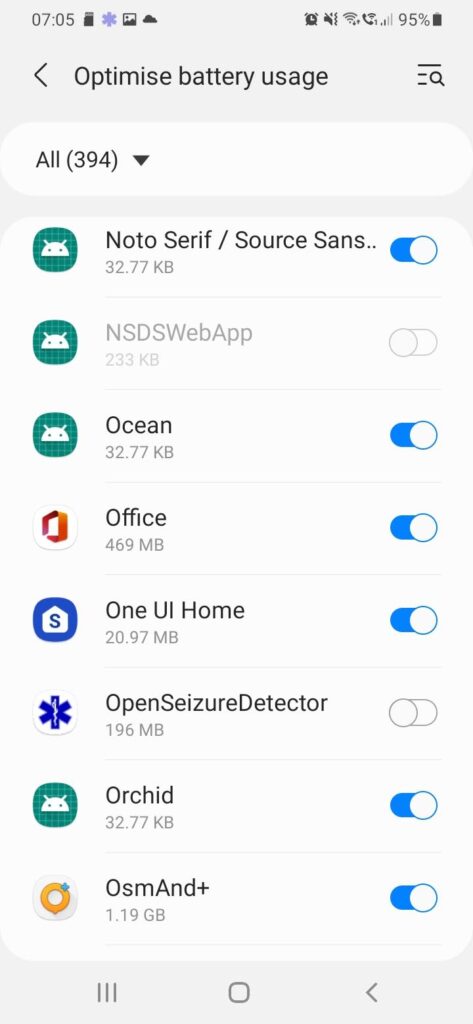
There are two separate places where you need to make sure that OpenSeizureDetector is not going to be put to sleep or ‘Optimised’.
Prevent apps being put to sleep by opening the phone settings and selecting “Battery and device Care” -> “Battery” -> “Background usage limits” then either de-select ‘Put unused apps to sleep’ or ensure that OpenSeizureDetector is in the ‘Never sleeping apps’ list.
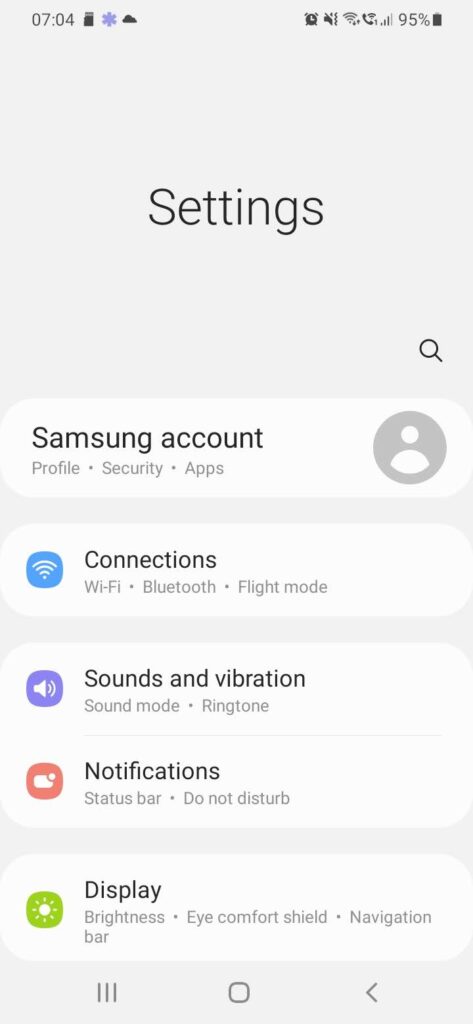
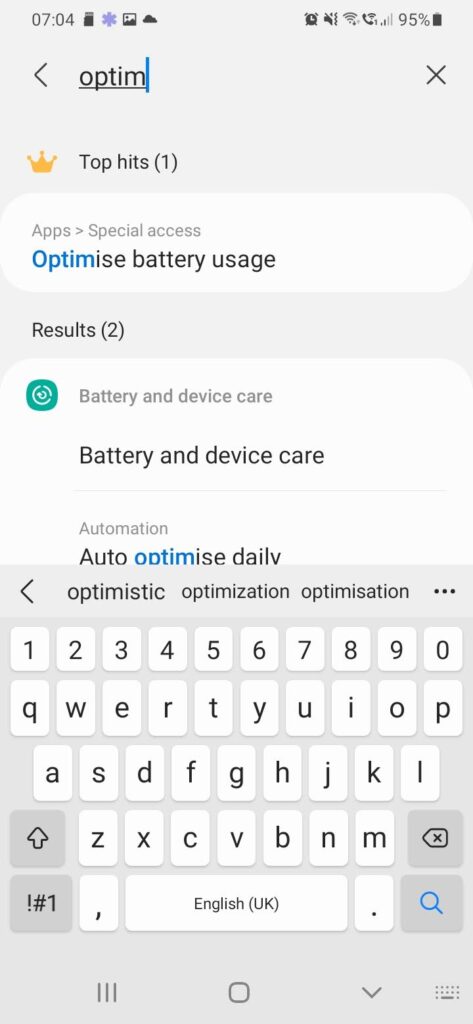
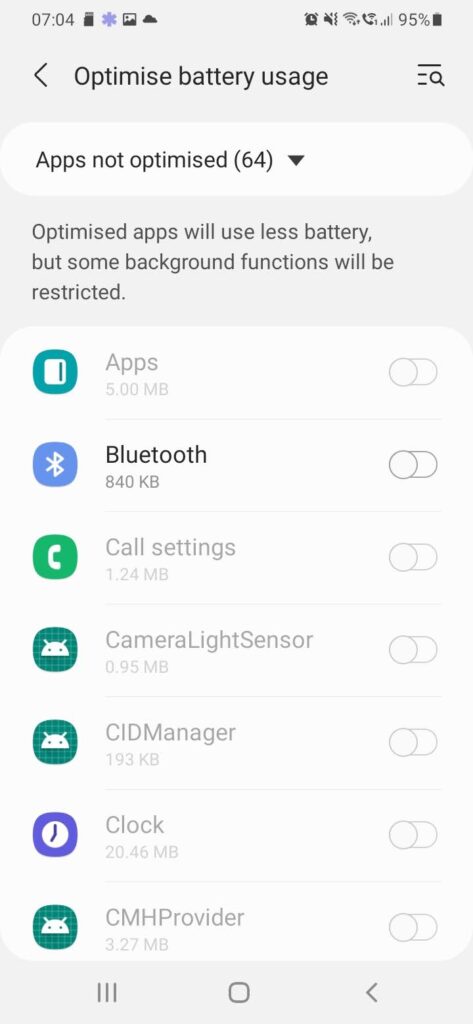
The settings to prevent apps being ‘Optimised’ are more difficult to find. The following worked on my Samsung phone (see the notes below each image)